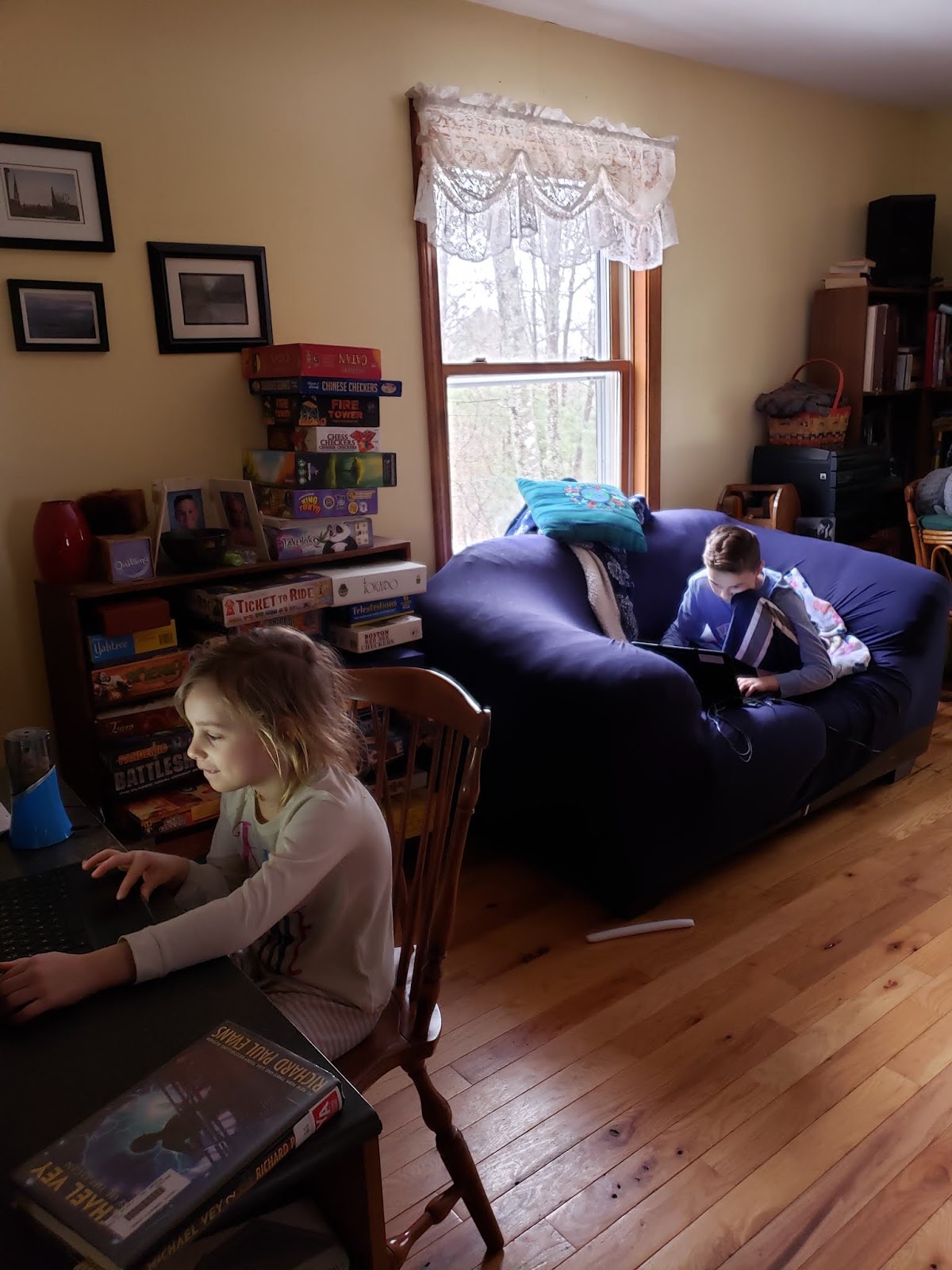
Monday, March 23, 2020

A FEW PICS TO BRIGHTEN YOUR DAY

I LOVE seeing you all!!
I'm working right now on how we can see and talk 
to each other on our computers!!
For now, keep checking Google Chat for
assignments. I love reading your comments!
Keep up the AWESOME work!


Sunday, March 22, 2020

AT HOME SCHOOL WEEK 2 EMAIL 3-22-20

Good Evening.
I hope you were able to find some type of rest and normalcy over the weekend. I have set up my plan for Google Classroom. Each morning your child will find new activities to do for each subject when they log on. Hopefully, this will help keep them motivated as the activities change. See my previous blog post and/or email on how to get to Google Classroom. If you have any trouble with your child's email address, google classroom and/or passwords and usernames, just shoot me an email at lkimball@veaziecs.org. I'll do my best to help you. Once you get the computer you are using set up for all of your kids' info. things should get a lot easier! I will continue to put everything on the blog that I email. Google Classroom will be the place to go for all assignments.

All VCS staff are meeting tomorrow at 9:00 through Zoom to get updated on home school info. I will update you tomorrow afternoon. I'm also still working towards meeting with the kids on Zoom on Wednesday.

SOME COOL THINGS I FOUND YOU MIGHT LIKE

MWF - Kennedy Space Center FaceBook Page goes Live at 9:30 - 10:00 for Primary Age
Everyday - Cincinnati Zoo & Botanical Garden FaceBook Page goes Live at 3:00 - 3:30
MO WILLEMS LUNCH DOODLES - all sessions are on Youtube

Here's looking a great Week #2!

Friday, March 20, 2020

EMAIL TO PARENTS

Our first week of At Home School is over and done. Great job everyone! Now that we know we are in it for even longer than anticipated, I have been working on better and easier ways to help you. If you have older children, you might be familiar with Google Classroom. If not, you can learn with me haha. I spent today setting it up for each of your children. I even went into their site to see what they'd see and to set it all up. This should make it way easier for them, and you, to start using.

Normally I would teach the kids that they have a gmail account with the school and how to use it. I would also be teaching them about google drive and google docs. Well, this virus kind of changed our plans. Now you get to show your child how to access their google drive. 

If they are using their chrome books, they can just go into google (it's the first page they see before hitting portaportal). Up in the right hand corner there will be nine little dots. If they click on them, it will give them lots of options. You want to hit the one that shows a chalkboard and says classroom. This will take them into google classroom. It will have a message there already from me. they can respond if they like. Remember, class comment will show everyone in our class, private comment will just let me see. Google classroom also has different subjects. I have left an assignment in each one. This is mostly for me to practice with but check it out so you get used to getting in and out. There are links on some or just directions. On the right hand side you can either send work back to me or just click the black done box. Most of our work will be hitting the done box. I'm not so sure they're ready to attach files at this point haha.

If your child does not have his/her chrome book, it will be a few extra steps to get in. First go to google.com and sign into your child's account. I will email each one of you privately with your child's usernames and passwords. Once they are in, just go to the menu (nine dots) and hit classroom like above.

I think this might be easier than giving you all tons and tons of things. I can give assignments daily with links. I will change up activities so they won't get stuck on one thing. However, I will still keep up with the blog and parent emails. You can definitely pick from some of the stuff I sent home day one. I just know it was a lot all at once.

Your child might need help reading directions and even getting to the classroom. This is all brand new. It would take me showing them on the projector as they do it a few classes to get them to feel at all comfortable. Be patient. Even I am learning. Also, older siblings can probably be a HUGE help because third grade up uses this. Our kids are going to be so advanced!

I'm still looking into using google hangout and zoom. I need to figure out which is easier. I will be holding online sessions hopefully beginning Wednesday of next week. With those I will pick a time and everyone that can get on will meet online. I know this will not work for all. However, I want to try as many different resources as I can to make this easier for everyone and to keep the kids feeling connected.

I'll be sending out the usernames and passwords within the hour. Thank you for your support! Say hi to your kids for me!
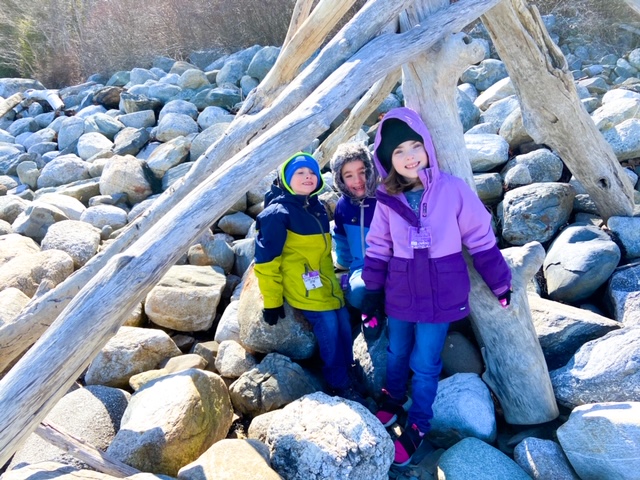
MORE AT HOME and a FIELD TRIP

Good Afternoon, First Grade!

We got some new pictures that I can't wait to share. The space picture comes from the app I was telling you all about during our Space Unit. One of your classmates tried it out. You can get it free on your family cell phone. The app is called Sky View Lite. It will tell you what is above you in the sky (stars, constellations, planets). It's really cool and fun! Try it out!


We have another classmate starting a garden!


A Field Trip to the Ocean to study tidal areas.


And five more classmates working hard at home!


We survived our first week of AT HOME SCHOOL!
Great job, First Grade Families!

I have set up a Google Classroom today. 
I will send out an email about it soon.
Feel free to check it out this weekend. 
I plan using this beginning next week. I think it will give you a more structured daily plan. It will also let me put links with each lesson assignment so everything will be in one place. I'm hoping it will make things less overwhelming. It will also let the kids communicate with me. I'm in hopes of figuring out Google Hangout or Zoom for us to begin using as well. This will let kids talk to each other and I will try to get a few lessons in. Again, be patient. I'm trying to learn all of this through my eyes and their eyes so I can answer questions. I'm sure it'll all get easier as we go. I will also continue to use email and our blog. Stay Healthy! <3


DEAR FIRST GRADE,

I just received the same news you did. We are out until April 27th.  I couldn't be more upset. I miss you all like crazy. I miss all of our little jokes, your stories, the excitement you bring into everything we learn together. I had so much more I wanted to do with you. I will try to do it online. I'm working on a way. For now, keep checking our blog. Keep reading. Be good to your family members. Everyone is trying their best. Show them what an amazing learner you are! Please know I am thinking about each and everyone of you all the time. Sometimes I look at the clock and think, "We'd be on our way to Phys. Ed." Then I would laugh because I'd remember you all saying, "It's Library today." Then many of you would offer me up some marbles that I had obviously lost. I think about all of our fun read alouds. I think about how you are all determined that I never win Guess Box (but I will)! I think about what awesome readers you are becoming, how you figure out tough math problems that are way beyond your years and how you always help pick up the huge messes we make! Take some time to remember some of your favorite things we've done. I hope it makes you smile like it did me! 
Love,
Mrs. Kimball


Thursday, March 19, 2020

A VIDEO GREETING

Lots of Long I work going on!!
Awesome work!


I might have a surprise trick for us to 
try on Monday. Stay tuned...I really
need to keep ALL of my marbles in
place for this one! Speaking of marbles...

How many times have your At Home Teachers lost theirs'?
Hopefully, not as many times as I lose mine!

How will I ever remember which special we are heading to now?
Thank goodness, I'll have you all to help me when we
get back! I can't wait because I miss you all like crazy!


INCOMING PICS

I love seeing these pictures!
Keep them coming!
Lots of reading, Subtraction Bingo, Math Facts 
and even Recess happening!

What are you up to?